
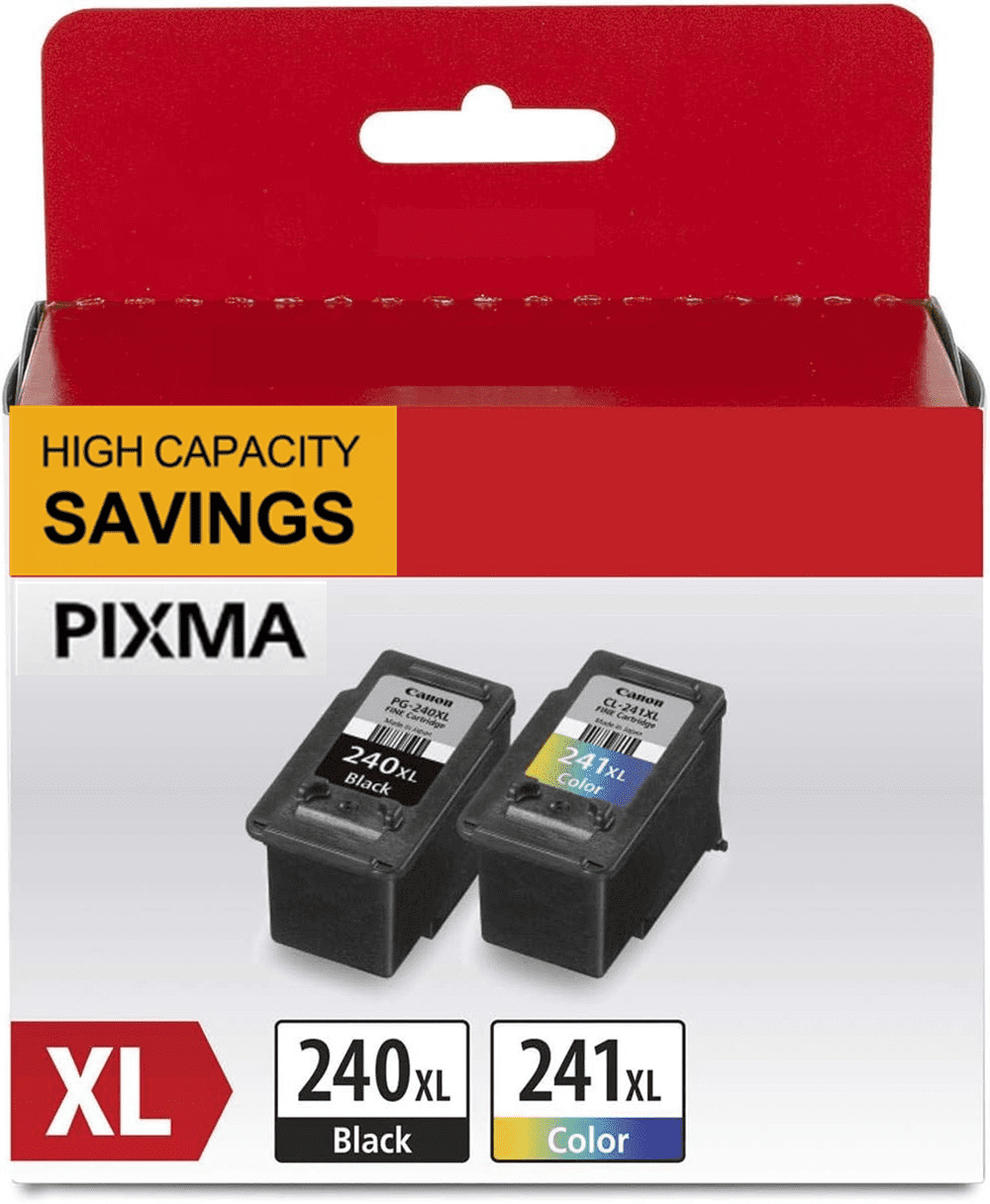
240XL 241XL Ink Cartridges Compatible for Canon 240 and 241 Ink Combo for Pixma MG3620 MG3600 MG3120 TS5120 TS5100 MG4220 MG3520 MG2120 MX452 MX472 MX512 Printer(1 Black, 1 Tri-Color)
Product details
| Management number | 230516814 | Release Date | 2026/06/18 | List Price | US$13.32 | Model Number | 230516814 | ||
|---|---|---|---|---|---|---|---|---|---|
| Category | |||||||||
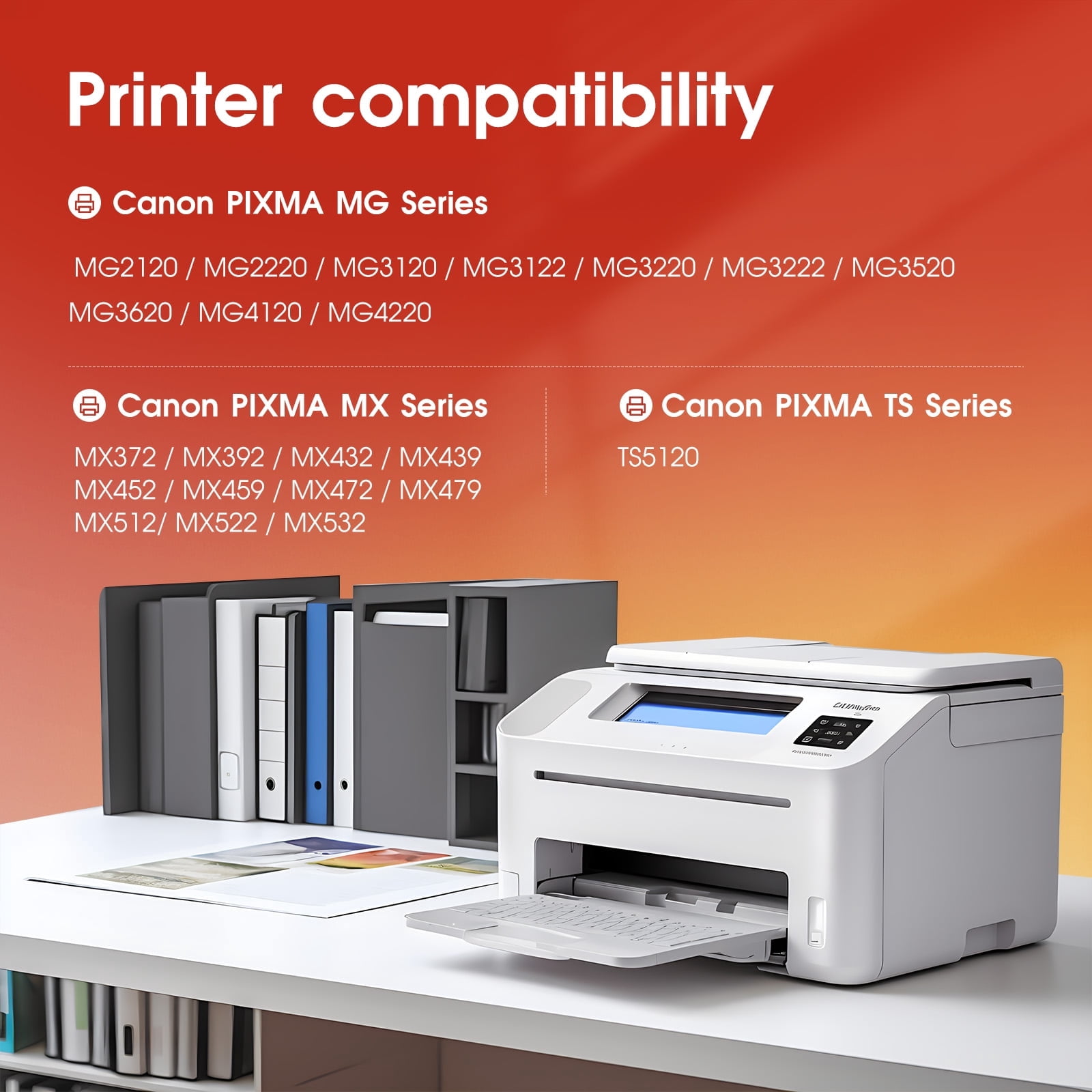
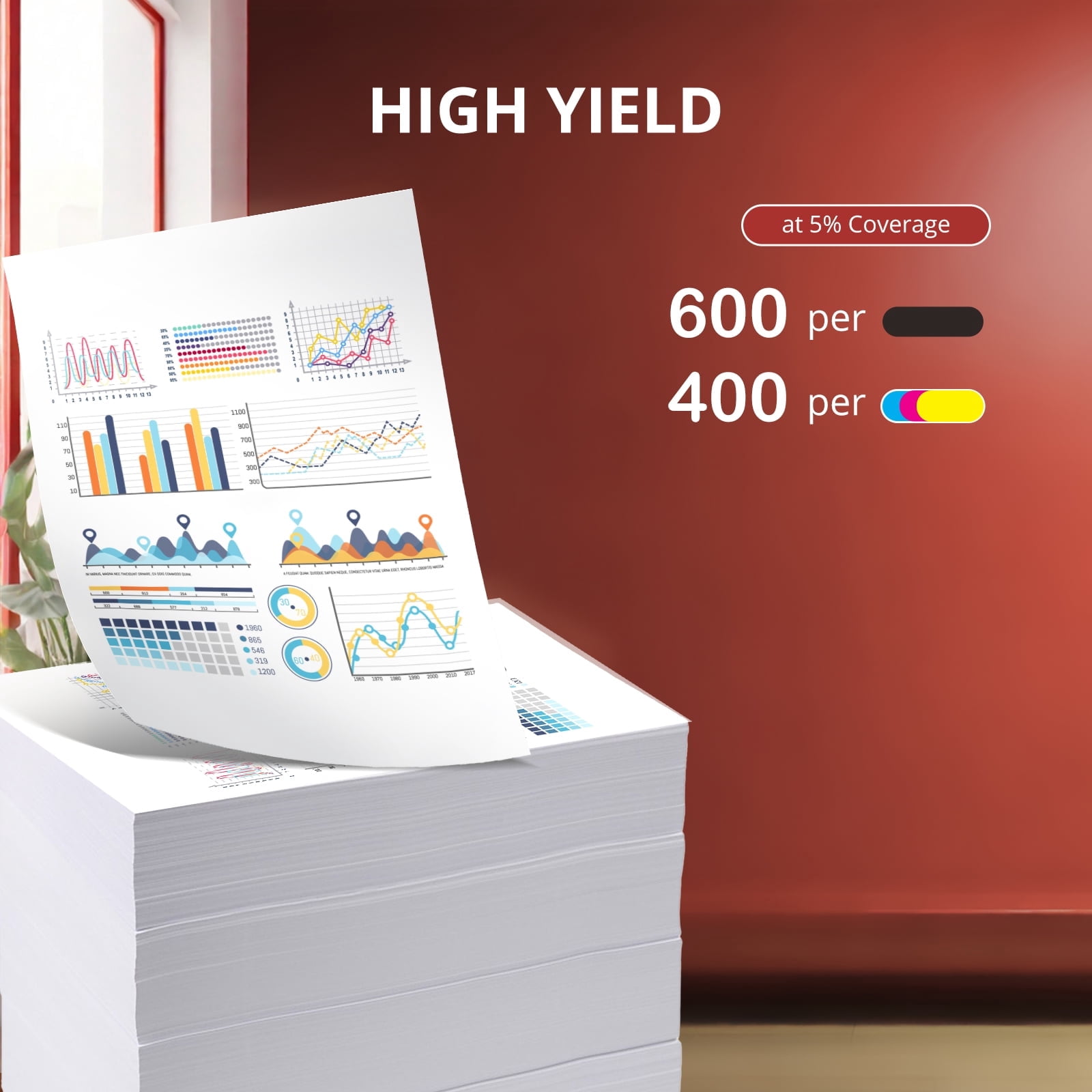
<p>PG 240XL CL 241XL Ink Cartridge Compatible for Canon Ink 240 241 Black and Color Ink for Pixma MG2120 2220 4220 MX372 392 TS5120 (2Pack, 1 Black, 1 Tri-Color)</p> <p>What's in the box:</p> <p>1 x PG 240 XL Compatible for Canon 240 black ink cartridge</p> <p>1 x CL 241 XL Compatible for Canon 240 color ink cartridge</p> <p>Cartridge yield (approx.): Based On 5% Standard Coverage</p> <p>600 Pages per 240XL Ink Compatible for Canon Black Ink Cartridges,</p> <p>400 Pages per 241XL Ink for Cano Color Ink Cartridge</p> <p>WORK WITH THE FOLLOWING PRINTERS:</p> <p>For Pixma TS Series</p> <p>TS5100 / TS5120 Printer</p> <p>For Pixma MG Series</p> <p>MG2120 / MG2220 / MG3120 / MG3122 / MG3220 / MG3222 / MG3520 / MG3522 / MG3600 / MG3620 / MG4120 / MG4220 Printer</p> <p>For Pixma MX Series</p> <p>MX372 / MX392 / MX432 / MX439 / MX452 MX459 / MX472 / MX479 / MX512 / MX522 / MX532 Printer</p> <p>User Manual:</p> <p>1. Remove plastic protective cap from cartridge.</p> <p>2. Pull the tab to remove protective tape.</p> <p>3. Place cartridge in correct slot and push firmly until it locks in place.</p> <p>Tips: Do not touch the chip or the ink nozzles.</p>
- Package Contents: 2 pack 240xl 241xl ink cartridge replacement for canon ink 240 and 241 for canon 240xl and 241xl. (1 x 240 black ink cartridge,1 x 241 tri-color ink cartridge)
- High Page Yield(5% coverage on A4) : 600 pages per 240 XL black ink cartridge / 400 pages per 241XL tri-color ink cartridge
- Compatible Printers: MG2120 / MG3222 / MG2220 / MG3520 / MG3120 / MG3522 / MG3122 / MG3600 / MG3620 / MG3622 / MG4120 / MG3220 / MG4220 MX372 / MX459 / MX422 / MX522 / MX392 / MX470 / MX532 / MX432 / MX472 / MX452 / MX439 / MX479 / TS5120 / TS5100
- Perfect Performance: Specially formulated ink make sure to print the high-quality documents and bright vivid photos. Sharp and smooth, Vibrant color, Prevent clogging
- Ace Nozzle: All 240 241 Ink Cartridges were equipped with the reliable nozzle that can perform precise ink drop placement for excellent printouts
| Compatibility | Canon 240XL 241XL |
|---|---|
| Ink color | Black& Tri-Color |
| Printer cartridge page yield | 600 |
| Brand | Uiprint |
| Ink container type | Ink Cartridge |
| Printer cartridge type | Tri-Color |
| Model | 240XL 241XL |
| Maximum page yield | 600 |
| Minimum page yield | 400 |
| Pack quantity | 2 |
| Count per pack | 2 |
| Piece count | 2 |
| Total count | 2 |
| Product line | PIXMA |
| Has written warranty | No |
| Retail packaging | Combo Pack |
| Ink refill code | Canon |
| Manufacturer | Uiprint |




Bestseller ranking
Computers


Customers who viewed this product also viewed
Assay Microplates




Correction of product information
If you notice any omissions or errors in the product information on this page, please use the correction request form below.
Correction Request Form